

Prioritize safety.Simplify documentation.Work smarter.

Digital safety forms for rope access and work at height.

Start your free 7-day trial

No credit card required.

  • JHA
  • FLHA
  • Rescue plans
  • Equipment inspections
  • Toolbox talks
  • Incident reports

By rope techs, for rope techs

Built by rope techs,
for rope techs

RopeDocs is a mobile-first safety documentation app for rope access, window cleaning and work at height. Complete guided digital forms, capture signatures and generate professional PDF reports directly from the field.

Built by rope access professionals who run crews themselves.

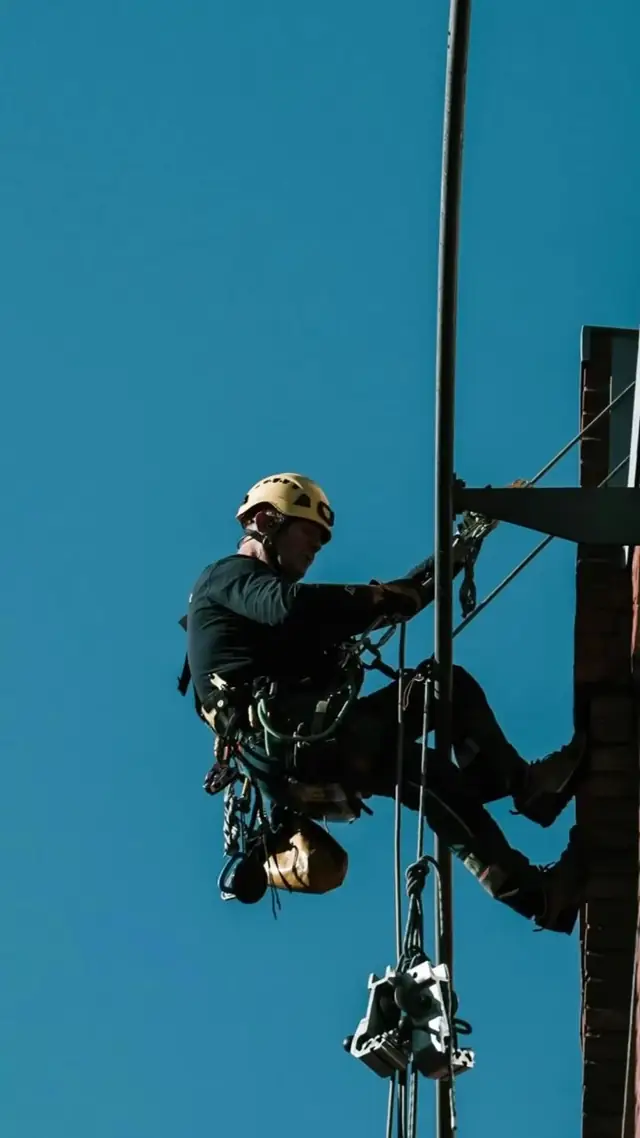
Rope access technicians working on a pole, a facade and a tower, with the words work smarter and work safer.

Watch RopeDocs on a job

Thirty seconds of video: a form filled in on site, signed, and sent as a PDF.
[ 01 ]

Features

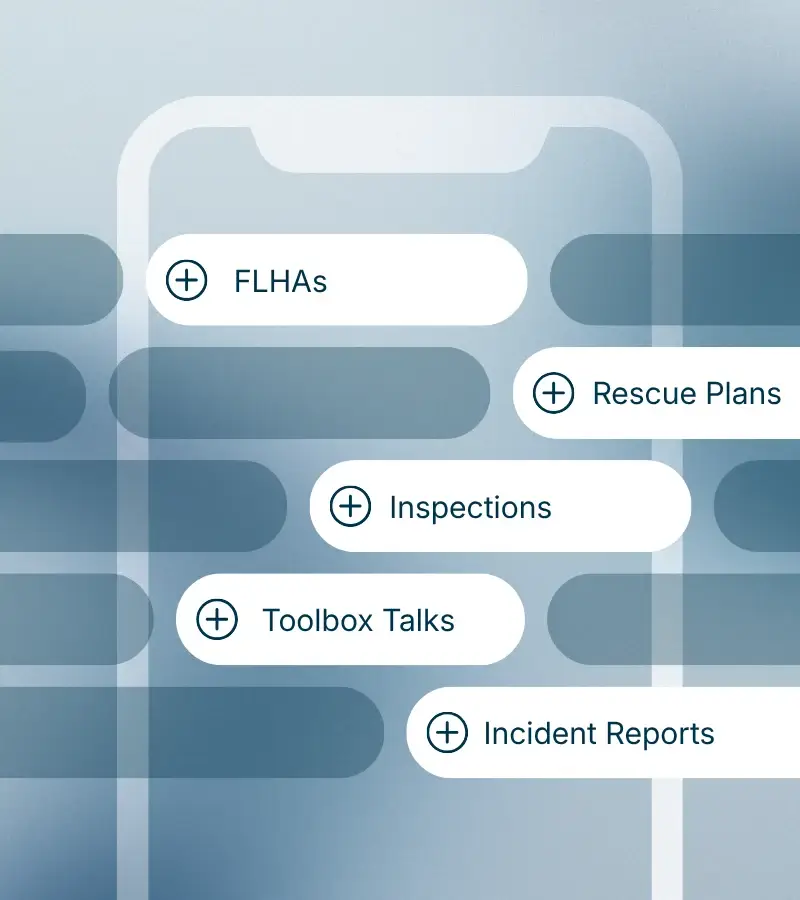
  1. A phone showing the form types available in RopeDocs

    01

    Digital safety forms

    Complete and manage JHAs, FLHAs, rescue plans, equipment inspections, toolbox talks and incident reports directly from your phone.

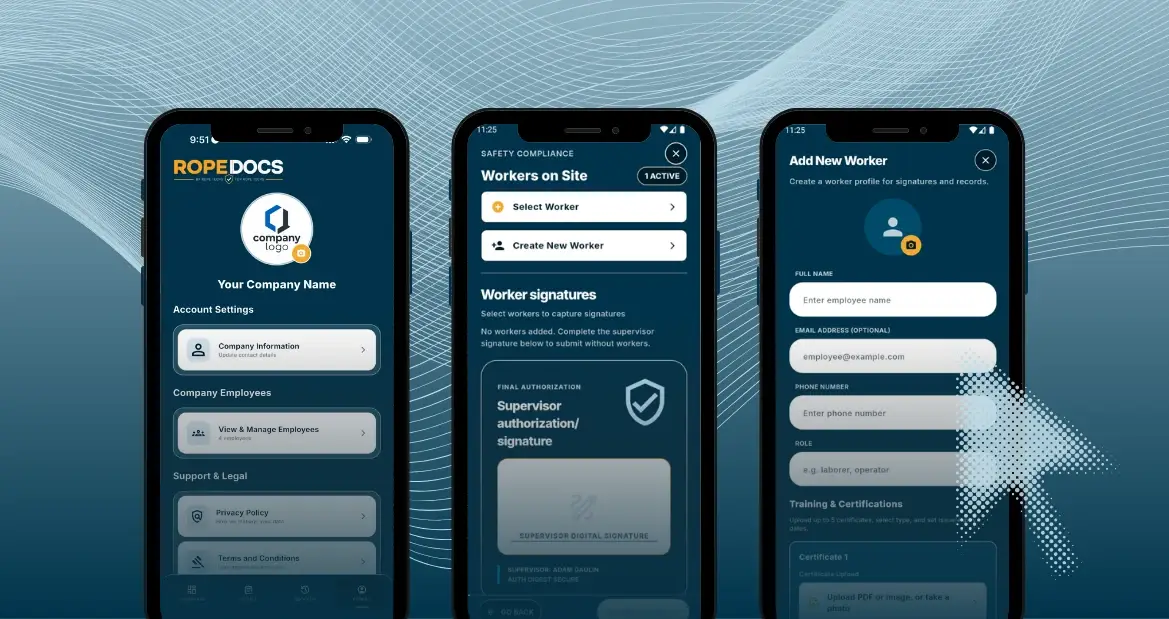
  2. Three phone screens showing a company account, workers on site and a new worker form

    02

    Structured and customizable forms

    Pre-built templates that also let you add your own hazards, controls, procedures and responses, then save them for the whole company to use.

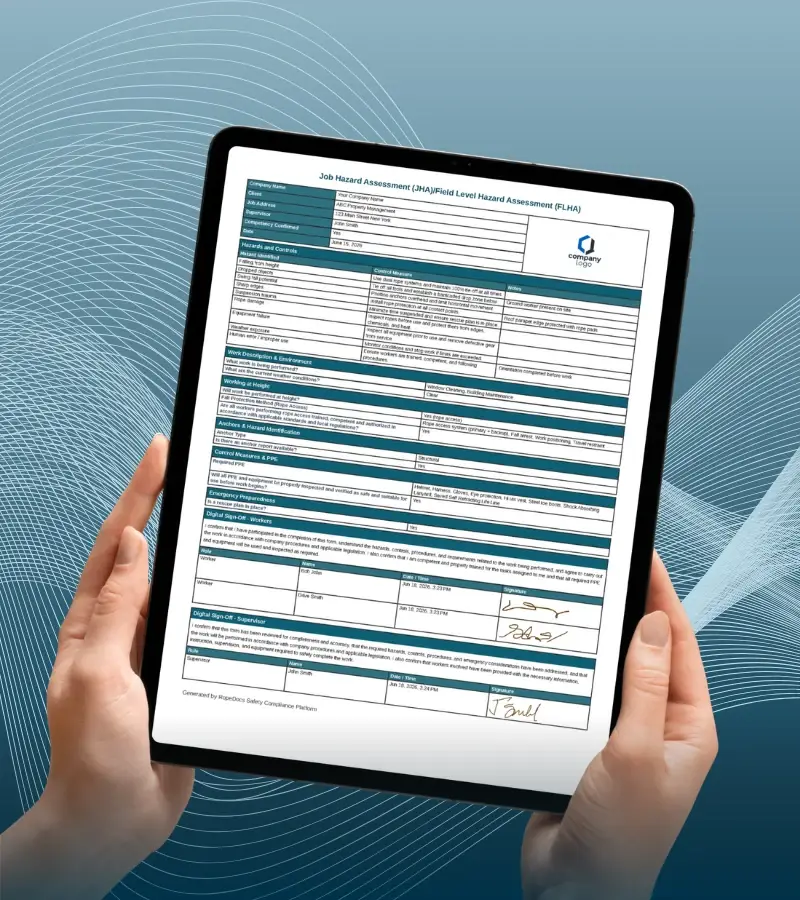
  3. A branded safety form on a tablet, held in two hands

    03

    Custom company branding

    Add your company logo to forms and PDF reports for a consistent, client-facing record.

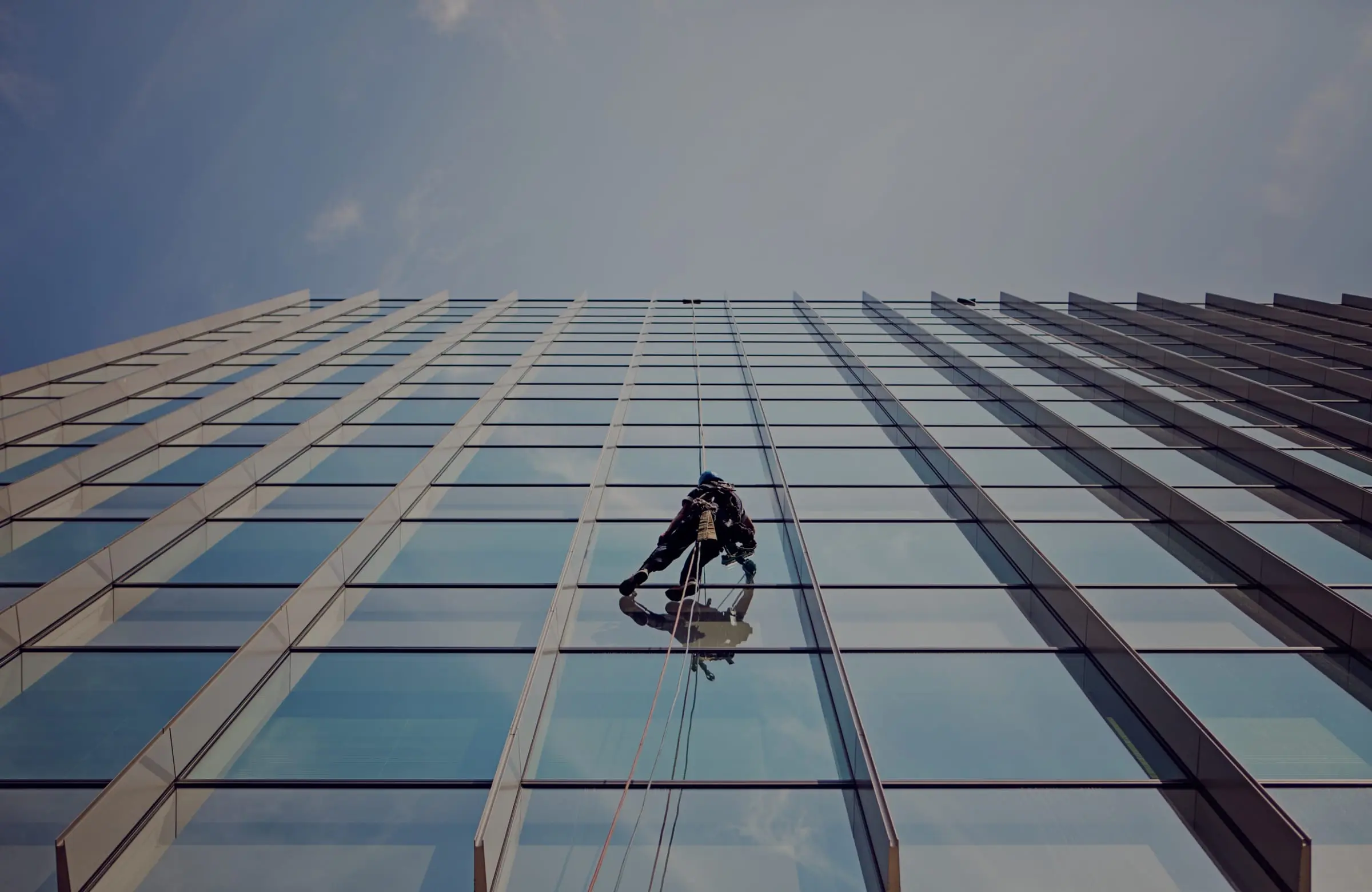
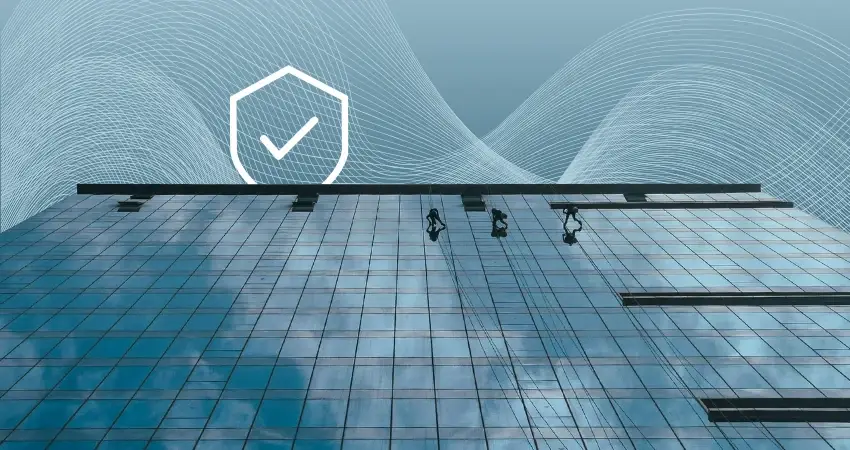
  4. A glass facade with a rope technician working down it

    04

    Automated controls and responses

    Form logic suggests the controls, procedures and responses that fit the tasks and hazards the crew selected.

  5. A finger signing on a touchscreen

    05

    Digital signatures

    Capture worker and supervisor signatures in the app, on the job, before work starts.

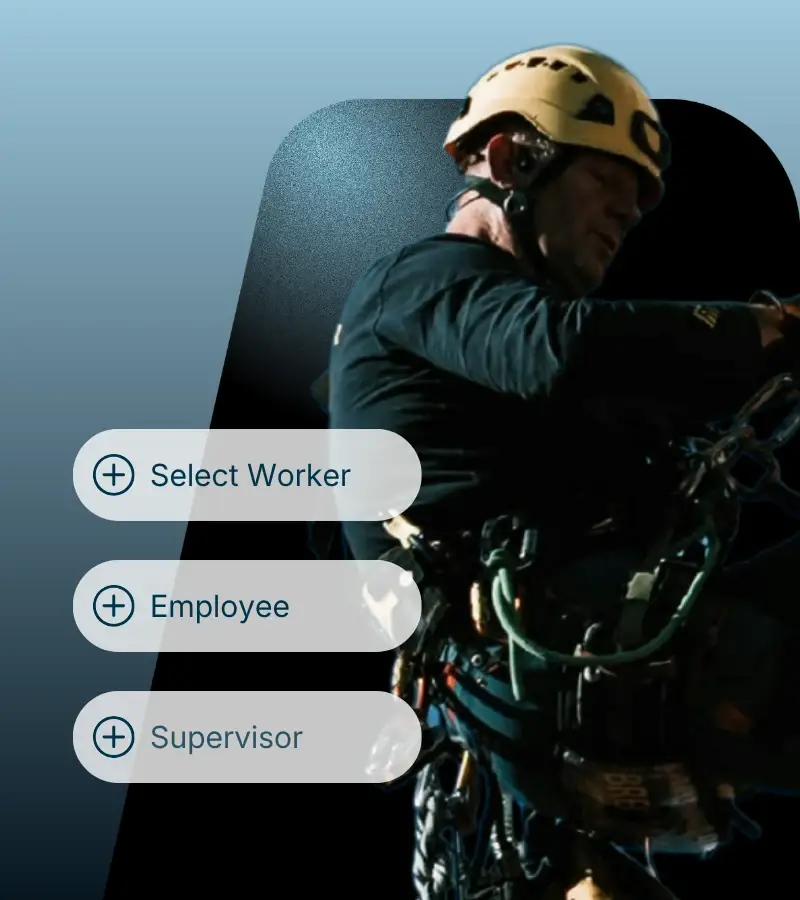
  6. A rope technician in a helmet beside worker, employee and supervisor options

    06

    Employee training records

    Keep each worker’s training records in one place and watch expiry dates from the same screen.

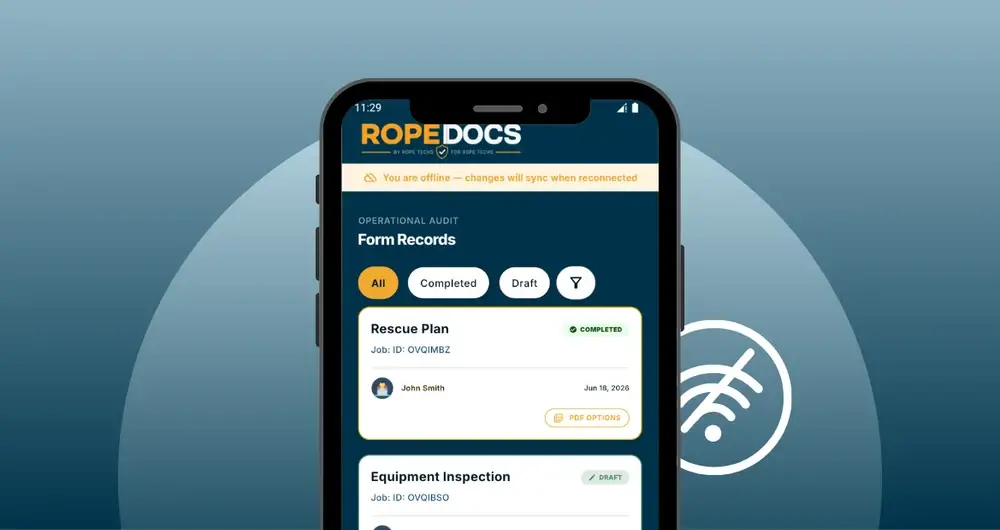
  7. A phone showing saved form records with the offline symbol beside it

    07

    Works offline

    Complete forms with no internet access. Everything syncs once a connection comes back.

  8. 08

    Real-time organization

    Track completed, draft and pending forms across projects and crews.

  9. 09

    PDF generation and sharing

    Generate a professional PDF report and email it to supervisors, clients or project managers from the job.

  10. 10

    English, French and Spanish

    Coming soon: the whole app and all six forms translated, with the option to send a form in a different language from the one it was filled in.

  11. A phone showing a tower with rope technicians on it, marked with the RopeDocs shield

    11

    Built for rope access

    Designed around the workflows, safety requirements and operational realities of rope access and work-at-height companies.

[ 02 ]

Languages

Coming soon

English, French and Spanish are coming to the app

The menus, the buttons, the notifications and all six forms are being translated, so crews can work in the language they use on site, on the phone and in the web portal. This website is already in all three.

  • Each person will pick their own language on iOS, Android or the web portal.
  • Fill in a form in one language and send the PDF in another.
  • Written answers will be translated as well when the PDF is produced.
  • The email that carries the form will follow the language the app is set to, whatever language the PDF is in.
  • EnglishAll six forms
  • FrançaisAll six forms
  • EspañolAll six forms
[ 03 ]

See the form

This is what a supervisor completes before the crew goes over the edge. Scroll through it, or use the step buttons. This is the FLHA, the one filled in on site; the JHA is the version written ahead of the job.

  1. Start the form

    Open a JHA/FLHA and the job details come first: address, client, date, the supervisor running the job. The person completing it confirms they are trained and competent to do so.

  2. Tick the hazards

    Work through the hazards that are actually on site today. The list is the one your crews already recognize, and you can add your own and reuse them across the company.

  3. Controls suggested

    RopeDocs suggests controls for the hazards you ticked. The supervisor reads them, edits what doesn’t fit the site, and adds what’s missing. Nothing is filed until a person has looked at it.

  4. Signatures collected

    Add the workers on site, capture a signature from each one, then the supervisor authorizes the form. The crew doesn’t need their own logins.

  5. PDF produced

    The finished form becomes a PDF with your logo on it. Download it or email it to the client from the job, and pull it up later when someone asks for the record.

[ 04 ]

Works offline

No signal on the roof. Keep working.

Parkades, stairwells, the core of a tower, forty floors up behind coated glass. Plenty of jobs in this trade have no bars.

  • Forms, checklists and signatures save on the phone as you go.
  • Nobody waits for bars before the crew signs and work starts.
  • When the signal comes back, everything syncs to your company account.

Try it: flip the signal switch under the phone.

No signal
No signal. Forms are saving to this phone.

Today

  • FLHATower 2 · West dropsSynced
  • Equipment inspectionRope kit 04Synced
  • Toolbox talkWind limitsSaved on phone
  • Rescue planTower 2 · West dropsSaved on phone

[ 05 ]

Why RopeDocs

  1. [ 01 ]Designed for rope access
  2. [ 02 ]Simplify safety documentation
  3. [ 03 ]Digital signatures
  4. [ 04 ]Custom branding
  5. [ 05 ]Instant PDF reports
  6. [ 06 ]Email reports directly from the app
  7. [ 07 ]Complete forms anywhere, even offline
  8. [ 08 ]Access records when you need them
[ 06 ]

Who uses it

Rope access is where this started. The same forms cover the rest of the work-at-height trades. Pick yours to see what a job looks like in the app.

Window cleaning

Window cleaning

Drops on high-rise glass from roof anchors or davits, often over a live sidewalk.

Forms that apply

  • Hazard assessment: JHA or FLHADrop locations, anchor points, wind limits, public below, overhead obstructions.
  • Equipment inspectionRopes, descenders, harnesses, bosun’s chairs, rope protectors.
  • Rescue planWho does the pick-off, from which anchor, with which kit.
  • Toolbox talkWind and weather calls, exclusion zones, dropped-object control.
  • Incident reportNear misses, dropped tools, damage to glazing or property.

On this job you’ll hear

  • Drop
  • Bosun’s chair
  • Rope descent system (RDS)
  • Roof anchor
  • Davit arm
  • Tie-back
  • Parapet clamp
  • Exclusion zone
Building maintenance

Building maintenance

Suspended platforms, BMUs and rope work for repairs that come up between contracts.

Forms that apply

  • Hazard assessment: JHA or FLHAAccess method, anchorage, work below, tenants and public, weather.
  • Equipment inspectionSwing stage, wire ropes, hoists, tie-backs, lifelines.
  • Rescue planPlatform stall or failure, suspended worker recovery.
  • Toolbox talkPre-use checks on the stage, communication with the ground.
  • Incident reportEquipment faults, property damage, near misses.

On this job you’ll hear

  • Swing stage
  • Building maintenance unit (BMU)
  • Suspended platform
  • Davit
  • Tie-back
  • Independent lifeline
  • Rope grab
Building inspection

Building inspection

Close-range facade and envelope surveys where the finding has to be documented at the spot.

Forms that apply

  • Hazard assessment: JHA or FLHADrop plan, fragile or loose facade material, falling debris, public below.
  • Equipment inspectionRope access kit, cameras and tools on lanyards.
  • Rescue planRecovery from any drop line on the inspection plan.
  • Incident reportMaterial dislodged during inspection, near misses.

On this job you’ll hear

  • Facade inspection
  • Drop location
  • Hands-on inspection
  • Sounding
  • Condition survey
  • Unsafe condition
  • Tool lanyard
Caulking

Caulking

Sealant cut-out and replacement along joints, one drop at a time.

Forms that apply

  • Hazard assessment: JHA or FLHABlades on rope, chemicals and primers, heat, anchorage, public below.
  • Equipment inspectionRopes, rope protection, harnesses, knives and guns on lanyards.
  • Rescue planPick-off from the joint line in progress.
  • Toolbox talkBlade handling near ropes, SDS review for the sealant in use.
  • Incident reportRope damage, cuts, chemical exposure.

On this job you’ll hear

  • Sealant joint
  • Cut-out
  • Backer rod
  • Primer
  • Adhesion test
  • Rope protector
  • SDS
Painting

Painting

Coatings on walls, towers and structures where the access is ropes or a stage.

Forms that apply

  • Hazard assessment: JHA or FLHACoating chemicals, overspray, wind, access method, work below.
  • Equipment inspectionAccess equipment, spray equipment, respirators.
  • Rescue planRecovery of a suspended painter, including PPE removal.
  • Toolbox talkSDS for the product, respirator fit, drift control.
  • Incident reportOverspray on vehicles or property, exposure, near misses.

On this job you’ll hear

  • Coating system
  • Overspray
  • Drift
  • Swing stage
  • Respirator fit
  • SDS
  • Containment
Pressure washing

Pressure washing

High-pressure water and chemicals on a vertical surface, from ropes or a lift.

Forms that apply

  • Hazard assessment: JHA or FLHAWet and slippery surfaces, electrical sources, chemicals, reaction force at height.
  • Equipment inspectionAccess kit, hoses and wands, hot water units.
  • Rescue planRecovery from rope or platform with water and chemical hazards present.
  • Toolbox talkChemical handling, runoff control, ground exclusion zone.
  • Incident reportChemical exposure, water ingress to the building, injuries.

On this job you’ll hear

  • Wand
  • Hot water unit
  • Reaction force
  • Runoff
  • Chemical dwell time
  • Exclusion zone
  • SDS
Anchor inspection

Anchor inspection

Periodic inspection and testing of roof anchors, davits and lifelines, with a record per anchor.

Forms that apply

  • Hazard assessment: JHA or FLHARoof edge exposure before the anchors are verified, fragile roofs, weather.
  • Equipment inspectionEach anchor: identification, condition, test result, pass or remove from service.
  • Rescue planRecovery at the roof edge while working on unverified anchors.
  • Incident reportFailed anchors, damage found, near misses.

On this job you’ll hear

  • Anchor register
  • Proof load test
  • Certification tag
  • Roof anchor
  • Davit base
  • Horizontal lifeline
  • Remove from service
Fall protection install

Fall protection install

Installing anchors, lifelines and guardrails that other trades will rely on.

Forms that apply

  • Hazard assessment: JHA or FLHAUnprotected edges during install, roof penetrations, hot work, lifting.
  • Equipment inspectionCrew fall protection, installed components before hand-over.
  • Rescue planRecovery at the edge before permanent protection is in.
  • Toolbox talkTemporary protection while the permanent system goes in.
  • Incident reportNear misses, damage to roofing or structure.

On this job you’ll hear

  • Engineered drawing
  • Anchor post
  • Horizontal lifeline
  • Guardrail
  • Commissioning
  • Hand-over
  • Temporary protection
Roof work

Roof work

Roofing, repairs and rooftop equipment work near an unprotected edge.

Forms that apply

  • Hazard assessment: JHA or FLHALeading edges, skylights and openings, fragile surfaces, heat and weather.
  • Equipment inspectionHarnesses, lanyards, restraint lines, ladders.
  • Rescue planSuspended worker after an arrested fall from the edge.
  • Toolbox talkWarning lines, restraint lengths, material stacked near edges.
  • Incident reportFalls through openings, dropped materials, heat illness.

On this job you’ll hear

  • Leading edge
  • Warning line
  • Fall restraint
  • Controlled access zone
  • Skylight screen
  • Parapet
  • Guardrail
Industrial rope access

Industrial rope access

Rope access on plants, towers, tanks, bridges and structures where scaffold does not make sense.

Forms that apply

  • Hazard assessment: JHA or FLHARigging plan, site hazards, permits, simultaneous operations, exclusion zones.
  • Equipment inspectionFull rope access kit per technician, rigging hardware, rope logs.
  • Rescue planRescue method, equipment staged, who is rescue-ready on site.
  • Toolbox talkPermit conditions, communication, work sequence.
  • Incident reportIncidents, near misses and equipment removed from service.

On this job you’ll hear

  • Working line
  • Backup line
  • Rigging plan
  • Deviation
  • Rebelay
  • Permit to work
  • Rescue-ready technician
[ 07 ]

Pricing

Straightforward pricing. No surprises.

One subscription runs your whole safety program. Add Field Users for the people who complete safety paperwork on the job. All prices in CAD. Every plan starts with a 7-day free trial.

Monthly

$29.99/month

Billed monthly. Cancel anytime.

Plus $7.99/month per Field User

Start free trial

What’s included

  • Digital safety forms: JHA, FLHA, equipment inspections, rescue plans, incident reports and toolbox talks
  • Branded PDF reports for clients and auditors
  • Employee and certification records
  • Certification expiry alerts
  • Secure cloud syncing, and it works offline in the field
  • Add or remove Field Users anytime

Field Users

$7.99/user/month

$89.99/user/year on annual billing

Extra mobile logins for the people completing forms. The administrator’s own login is included in the subscription.

How Field Users work

What Field Users can do

  • An extra app login for someone else on the crew
  • Complete and submit digital safety forms from the jobsite
  • Collect signatures in the field
  • Open completed forms and PDFs
  • Show an employee’s certifications on site
  • Works offline

Requires a company subscription.

All prices are listed and billed in Canadian dollars (CAD). Your card provider may convert the charge to your local currency at their rate. Every plan starts with a 7-day free trial and no credit card is required to begin.

What will it cost for your crew?

Leave this at zero if the administrator is the only person filling in forms: their login already works in the app. Add one for each extra person who completes forms on their own phone. Everyone else signs on someone else’s phone and needs no login.

Billed monthly

$29.99/month

Company $29.99

$359.88 over 12 months

Billed annually

$349.99/year

Company $349.99

Works out to $29.17 a month

With no Field Users: $29.99 a month billed monthly, or $349.99 a year billed annually. Paying annually saves $9.89 a year.

What RopeDocs costs by number of Field Users, in CAD
Field UsersBilled monthlyBilled annually
0$29.99 a month$349.99 a year
1$37.98 a month$439.98 a year
2$45.97 a month$529.97 a year
3$53.96 a month$619.96 a year
5$69.94 a month$799.94 a year
8$93.91 a month$1,069.91 a year
10$109.89 a month$1,249.89 a year
15$149.84 a month$1,699.84 a year
20$189.79 a month$2,149.79 a year

Company subscription $29.99 a month or $349.99 a year, plus $7.99 a month or $89.99 a year per Field User.

Ready to simplify your safety documentation?

Download RopeDocs and start your free 7-day trial. No credit card required.

Available on iOS and Android.